> For the complete documentation index, see [llms.txt](https://docs.stacks.co/llms.txt). Markdown versions of documentation pages are available by appending `.md` to page URLs; this page is available as [Markdown](https://docs.stacks.co/tutorials/bitcoin-primer/bitcoin-development-basics.md).
# Bitcoin Development Basics
In the last sections, we talked about why now is an excellent time for developers to start building on Bitcoin and how Bitcoin works. Now we're going to start applying some of that knowledge and get started programming.
We're going to start by looking at the fundamentals of Bitcoin scripting and how Bitcoin transactions are constructed. Along the way, you'll learn important fundamentals about how Bitcoin works, but you'll also begin to see the major drawbacks of trying to build with only Bitcoin.
We're going to start off in this module by utilizing the command line to get Bitcoin set up on our local machine and begin working with it.
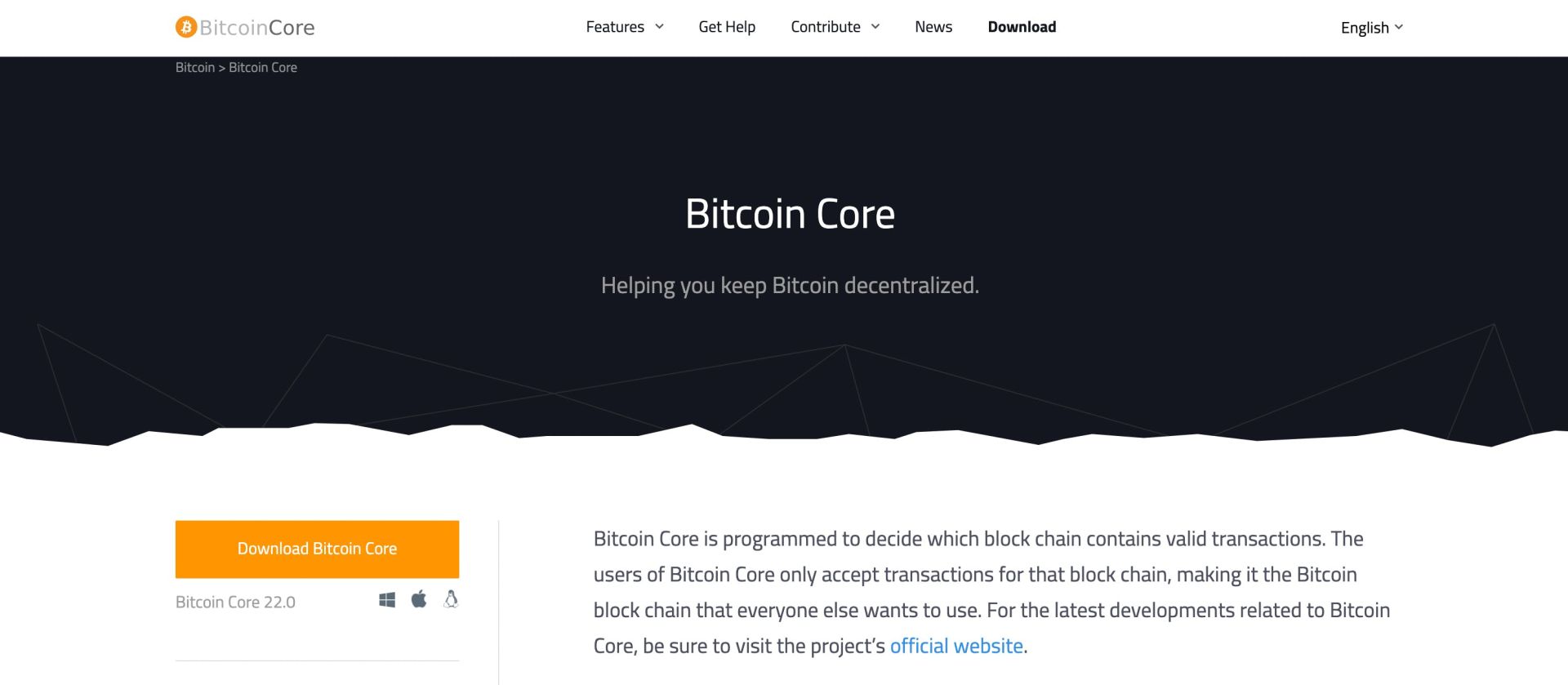
The first thing we need to do is get Bitcoin set up on our machine. Start by [downloading Bitcoin Core](https://bitcoin.org/en/bitcoin-core/).
Once it's installed you'll want to run `bitcoind`, which is the CLI we use to actually run Bitcoin.
Note that you don't need to run and download a full node in order to follow along here. We can run Bitcoin is `regtest` mode in order to create our own localized private Bitcoin network.
You can do that by running `bitcoind -regtest -daemon` which will run a regtest version of Bitcoin in the background as a daemon.
The next thing you need to familiarize yourself with is the Bitcoin CLI.
The first thing we are going to do is generate some new blocks and send the block reward to a new address that we'll generate.
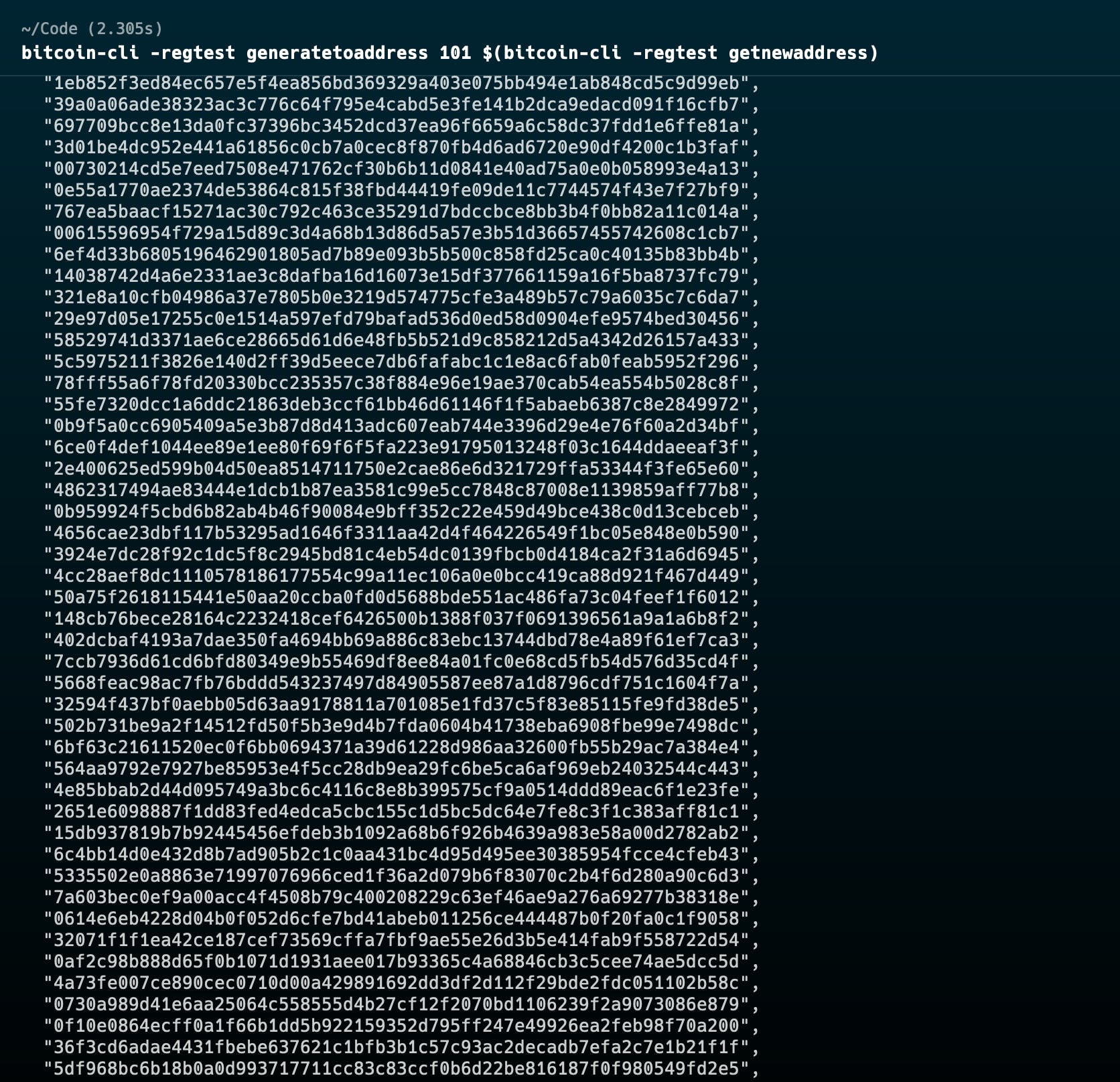
We can do that with `bitcoin-cli -regtest generatetoaddress 101 $(bitcoin-cli -regtest getnewaddress)`
Here were telling the CLI to enter regtest mode, then generate 101 new blocks and send the block reward to the provided address, which in this case is a script to generate a new address using the CLI.
An array of the generated block hashes will be returned to us.
Now we can see the list of UTXOs we have created:
`bitcoin-cli -regtest listunspent`
And get the balance of our newly generated address:
`bitcoin-cli -regtest getbalance`
Alright we now have Bitcoin running locally and have a basic understanding of how to interact with it. Let's pause and take a look at how Bitcoin Script works before coming back and using the CLI to create some transactions.
---
# Agent Instructions
This documentation is published with GitBook. GitBook is the documentation platform designed so that both humans and AI agents can read, navigate, and reason over technical content effectively. Learn more at gitbook.com.
## Querying This Documentation
If you need additional information that is not directly available in this page, you can query the documentation by asking a question.
Perform an HTTP GET request on the following URL with the `ask` and `goal` query parameters:
```
GET https://docs.stacks.co/tutorials/bitcoin-primer/bitcoin-development-basics.md?ask=&goal=
```
`ask` is the immediate question: it should be specific, self-contained, and written in natural language.
`goal` is what the user is ultimately trying to achieve, the reason they need the answer. Sharing it helps GitBook give you a better, more relevant answer. A goal is most helpful when it describes the outcome the user wants rather than restating the question. For example, with `ask=how do I create an API token`, a goal like `automate deployments from our CI pipeline` lets GitBook tailor the answer to that use case.
The response will contain a direct answer to the question and relevant excerpts and sources from the documentation.
Use this mechanism when the answer is not explicitly present in the current page, you need clarification or additional context, or you want to retrieve related documentation sections.