> For the complete documentation index, see [llms.txt](https://docs.stacks.co/llms.txt). Markdown versions of documentation pages are available by appending `.md` to page URLs; this page is available as [Markdown](https://docs.stacks.co/learn/zh/network-fundamentals/wallets-and-accounts.md).

# 钱包与账户

<div data-with-frame="true"><figure><img src="https://629346125-files.gitbook.io/~/files/v0/b/gitbook-x-prod.appspot.com/o/spaces%2FH74xqoobupBWwBsVMJhK%2Fuploads%2Fgit-blob-2d782448481ac5b6f078b0307da62a30af1d8d6f%2FFrame%20316126255.jpg?alt=media" alt=""><figcaption></figcaption></figure></div>

{% hint style="info" %}
在 Stacks 中，“address”和“principal”这两个术语可互换使用。
{% endhint %}

## 简介

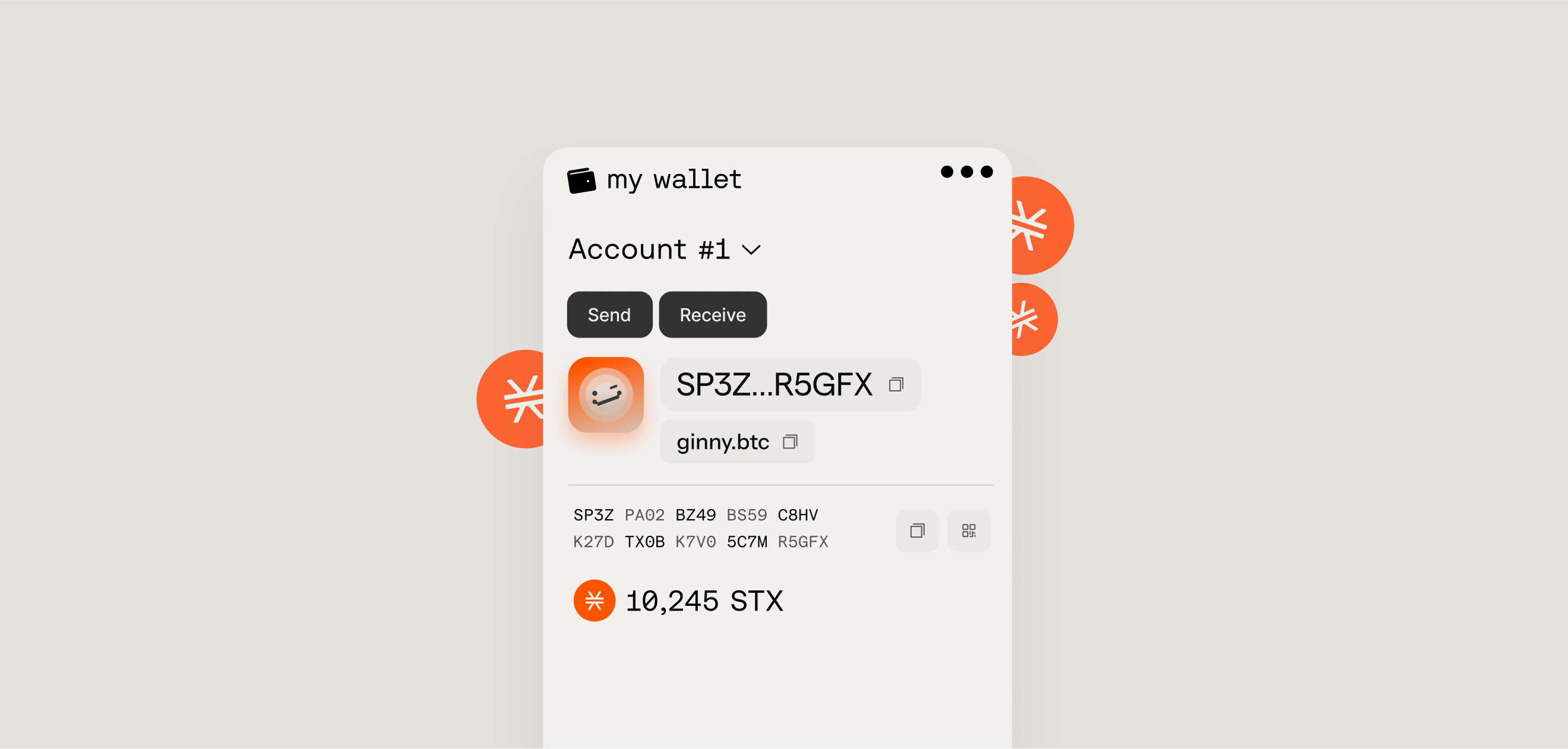
Stacks 钱包是用于存储加密货币、NFT 和其他数字资产的软件或硬件工具。它们也用于在去中心化应用（dApps）中建立链上身份。这些钱包基于公钥密码学，通过单个区块链地址以加密方式存储和管理每个用户的身份和资金。

### Stacks 钱包的用途

* 建立用户身份
* 存储资产
* 显示余额
* 签名交易
* 签名消息
* 参与比特币经济

Stacks 中的钱包由账户组成，采用的是基于账户的模型，而不是像比特币那样的 UTXO 模型。该模型比 UTXO 模型更简单，并且具有更传统的“余额”概念，类似于你在银行里会遇到的概念。在这种模型中，每个地址对某种给定代币都有一个单一的“余额”数值，并会随着交易发送到/从该账户而增加/减少。这也是大多数 Web3 生态系统所使用的模型。在 UTXO 模型中，网络作为一本总账运行，每个 UTXO 类似于一张现金钞票。

### Stacks 账户的组成部分

<div data-with-frame="true"><figure><img src="https://629346125-files.gitbook.io/~/files/v0/b/gitbook-x-prod.appspot.com/o/spaces%2FH74xqoobupBWwBsVMJhK%2Fuploads%2FLK9iA5RYSuLt1pt6kcqL%2Fstacks-address-generation-flowchart.png?alt=media&amp;token=f322e0cc-7d6d-4df6-a8d1-7cf08a8828ec" alt=""><figcaption></figcaption></figure></div>

* **私钥** - 私钥是一串字母数字代码，与单个公钥以 1:1 的方式配对。切勿与任何人分享你的私钥。私钥是你证明某个公钥所有权的方式，也是你花费由该密钥对持有的资产的方式。\
  \
  Stacks 中的私钥示例（32 字节并附加 0x01 字节）：\
  `5a4133fec2cf923d37238d3ba2fcd2ee9c8dce882c22218fd210d8a02ceb2c7401`
* **公钥** - 公钥是从私钥通过数学方式推导出来的。它可以安全共享，网络使用它来验证由私钥生成的签名，而不会暴露私钥本身。\
  \
  Stacks 中的公钥示例（压缩格式）：\
  `02e8eb87862945d369511fdcce326ffef9a01b68c7d070e3ce685a5cbb9b1ecfc5`
* **地址（Principal）** - 地址是从公钥派生出来的一种更短、更便于用户使用的表示形式。你可以分享它来接收 Stacks 上的 sBTC、STX、代币或 NFT，它也充当用户的链上标识符。\
  \
  Stacks 中的公钥地址示例（c32check 编码）：\
  `SPM9G3CNGSCTB4956290NESM0MR9W9CCEPVEPSQC`

{% hint style="info" %}
私钥/公钥的生成使用了加密曲线 **secp256k1** 。

Stacks 中使用的加密签名算法是 **ECDSA** ，基于 **secp256k1**.

地址的创建方式是生成公钥的 **RIPEMD-160** 哈希，取自 **SHA256** 。BTC 地址使用 **Base58Check**编码。对于 Stacks 地址， [**c32check**](https://github.com/stacks-network/c32check) 被使用。
{% endhint %}

Stacks 账户是拥有资产的实体，例如 Stacks（STX）代币。账户具有地址、私钥、nonce 和一个或多个资产余额。若没有账户所有者的操作，资产不能离开账户。对资产（以及账户余额）的任何更改都需要相应的交易。

所有 Stacks 钱包也都支持派生比特币地址，因此一个助记词可以同时用于两条链。

#### 地址格式 <a href="#address-formats" id="address-formats"></a>

Stacks 地址使用不同的前缀来表示它们所属的网络： `SP` 和 `SM` 用于主网， `ST` 和 `SN` 用于测试网。

```typescript
// 主网地址以 'SP' 开头
const mainnetAddress = 'SP3FGQ8Z7JY9BWYZ5WM53E0M9NK7WHJF0691NZ159';

// 主网多签地址以 'SM' 开头
const multisigMainnetAddress = 'SM3VDXK3WZZSA84XXFKAFAF15NNZX32CTSG82JFQ4'

// 测试网多签地址以 'SN' 开头
const multisigTestnetAddress = 'SNJSPGVBFZHPXGESC9ZQWVFSNF4RHNNRTW2HYYJ7'

// 测试网地址以 'ST' 开头
const testnetAddress = 'ST2F4BK4GZH6YFBNHYDDGN4T1RKBA7DA1BJZPJEJJ';
```

***

## 如何创建一个 Stacks 账户？

钱包的账户由符合 BIP39 标准的 24 词助记短语生成。这通常被称为 **助记词**。助记词可用于访问 Stacks 账户。

{% hint style="danger" %}
如果助记词丢失，就无法恢复关联的账户。任何个人或组织都无法找回丢失的助记词。
{% endhint %}

无论是开发者还是非开发者，都有几种不同的方式可以创建 Stacks 账户。

{% stepper %}
{% step %}

#### 使用 Stacks.js

对于程序化钱包生成，或在从备份恢复账户时，你可以从助记词派生出地址。每个钱包可以包含多个账户，所有账户都通过不同的派生路径从同一个助记词派生。

{% code expandable="true" %}

```typescript
import { generateWallet, generateSecretKey, type Wallet, Account } from '@stacks/wallet-sdk';
import { privateKeyToAddress, privateKeyToPublic } from '@stacks/transactions'

// 生成新的 24 词助记词
const secretKey: string = generateSecretKey();

// 或使用现有助记词
// const secretKey = 'already owned seed phrase ...';

const wallet: Wallet = await generateWallet({
  secretKey,
  password: 'optional-encryption-password',
});

// 获取第一个账户的公钥和地址
const account: Account = wallet.accounts[0];
const publicKey = privateKeyToPublic(account.stxPrivateKey);
const mainnetAddress = privateKeyToAddress(account.stxPrivateKey, 'mainnet');

console.log('Private key:', account.stxPrivateKey);
console.log('Address:', mainnetAddress);
// 私钥： 97ff523937735dc6c9e3180f98a6aa94f526fbe072230b99e07482260f59988c01
// 地址： SP1WNA65XE3M665RJ9AC81J18XPMJ5QC5XJDHWXE
```

{% endcode %}

如需了解更多程序化生成密钥和账户的方法，请查看指南 [这里](/stacks.js/accounts-and-addresses.md).
{% endstep %}

{% step %}

#### 使用 Stacks CLI 工具

使用 Stacks CLI 工具可以让你在命令行管理钱包。

**`make_keychain`**

```bash
# 全局安装 CLI
npm install --global @stacks/cli

# 生成一个新账户并将详细信息保存到新文件中。
# '-t' 选项表示这是一个测试网账户
stx make_keychain -t > cli_keychain.json

# make_keychain 输出如下：
{
  "mnemonic": "aaa bbb ccc ddd ...",
  "keyInfo": {
    "privateKey": "5a3f1f15245bb3fb...",
    "address": "STJRM2AMVF90ER6G3RW1QTF85E3HZH37006D5ER1",
    "btcAddress": "biwSd6KTEvJcyX2R8oyfgj5REuLzczMYC1",
    "wif": "L4HXn7PLmzoNW...",
    "index": 0
  }
}
```

**`get_address`**

```bash
# 获取私钥或多签私钥组合的地址。
# 返回 BTC 和 STACKS 地址

stx get_address f5185b9ca93bdcb5753fded3b097dab8547a8b47d2be578412d0687a9a0184cb01
{
  "BTC": "1JFhWyVPpZQjbPcXFtpGtTmU22u4fhBVmq",
  "STACKS": "SP2YM3J4KQK09V670TD6ZZ1XYNYCNGCWCVVKSDFWQ"
}

stx get_address 1,f5185b9ca93bdcb5753fded3b097dab8547a8b47d2be578412d0687a9a0184cb01,ff2ff4f4e7f8a1979ffad4fc869def1657fd5d48fc9cf40c1924725ead60942c01
{
  "BTC": "363pKBhc5ipDws1k5181KFf6RSxhBZ7e3p",
  "STACKS": "SMQWZ30EXVG6XEC1K4QTDP16C1CAWSK1JSWMS0QN"
}
```

如需更多使用示例，请查看 Stacks CLI 仓库 [这里](https://github.com/stx-labs/stacks.js/tree/main/packages/cli).
{% endstep %}

{% step %}

#### 使用比特币 L2 钱包扩展/应用

有许多流行的比特币钱包支持比特币层和元协议。Leather 和 Xverse 是开始使用 Stacks 的热门选择。

{% hint style="info" %}
**用于比特币质押的钱包。** 你需要什么取决于路径。仅 STX 质押和 sBTC 债券只使用你的 Stacks 账户。原生 BTC 债券还需要一个可以支付到 P2WSH 输出的比特币钱包，因为 L1 锁定是一个 P2WSH 时间锁脚本，它承诺到你的 Stacks principal；在时间锁到期后，你会使用自己的比特币密钥花费该输出。从这里开始 [比特币质押](/learn/zh/bitcoin-staking.md)，然后 [开启债券仓位](/operate/protocol-bonds/opening-a-bond-position.md) 和 [验证并赎回你锁定的比特币](/operate/protocol-bonds/verifying-and-reclaiming-your-locked-bitcoin.md).
{% endhint %}

{% embed url="<https://youtu.be/RvTuex1jbGY?si=KGEGESS3sr38G_Tj>" %}
{% endstep %}

{% step %}

#### 使用其他社区构建的工具

查看 [Stacks 开发工具目录](/stacks-devtools-catalog.md) ，获取其他用于创建和管理 Stacks 钱包的创意型开发工具。
{% endstep %}
{% endstepper %}

***

## Clarity 合约地址如何格式化？

在 Stacks 上， **contract address/principal** 唯一标识一个已部署的智能合约，并由账户 principal 加上合约命名空间构成，形成唯一的链上身份：

```
<deployer-address>.<contract-name>
```

#### 结构拆解

1. **部署者地址**\
   一个标准的 Stacks principal（由公钥的 hash160 派生），例如：
   * `SP...` → 主网
   * `ST...` → 测试网
2. **合约名称**\
   部署时选择的 ASCII 标识符（例如， `my-token`, `amm-v1`, `nft-market`).

#### 为什么这样构造

因为合约标识符按部署者地址进行命名空间划分：

* 两个不同的账户可以部署同名合约。
* 单个账户不能部署两个同名合约。
* 该标识符是确定性的，并且在全局范围内唯一。

***

## 处理不同格式

对于新接触 Stacks 的开发者来说，在开发中指定 Stacks 的 principal（也就是地址）时，常常会被不同写法搞糊涂。

下面分三种不同使用场景来说明如何处理 principal。

<div data-with-frame="true"><figure><img src="https://629346125-files.gitbook.io/~/files/v0/b/gitbook-x-prod.appspot.com/o/spaces%2FH74xqoobupBWwBsVMJhK%2Fuploads%2F9habwlXLqQ25fu6TUVM5%2Fhandling-principal-formats.jpeg?alt=media&amp;token=08fcc12c-ee57-48e9-9ab5-a18233773fe2" alt=""><figcaption></figcaption></figure></div>

***

### Stacks 与比特币地址的关联

Stacks 及其 L1 结算层比特币使用类似的地址生成方案，基于 P2PKH 格式，因此比特币地址和 Stacks 地址可以共享相同的公钥哈希。如果对一个旧式比特币地址进行 base58check 解码，就可以得到公钥哈希，然后可用于生成其对应的 c32check 编码 Stacks 地址。

在程序中，你也可以使用一个名为 `b58ToC32`的方法，来自 `c32check` javascript 库，它可以帮你抽象转换过程。

<div data-with-frame="true"><figure><img src="https://629346125-files.gitbook.io/~/files/v0/b/gitbook-x-prod.appspot.com/o/spaces%2FH74xqoobupBWwBsVMJhK%2Fuploads%2FVqWJul0cMmHoNGXiwsg3%2Fbitcoin-stacks-address-connection.jpeg?alt=media&amp;token=90fe1ed0-29dc-4a1f-a2d4-0a89d57acc23" alt=""><figcaption></figcaption></figure></div>

***

### 其他资源

* \[[Hiro 博客](https://www.hiro.so/blog/understanding-the-differences-between-bitcoin-address-formats-when-developing-your-app)] 理解比特币地址格式之间的差异
* \[[Hiro 博客](https://www.hiro.so/blog/how-every-stacks-address-has-a-corresponding-bitcoin-address)] 每个 Stacks 地址如何对应一个比特币地址
* \[[Hiro 博客](https://www.hiro.so/blog/an-intro-to-web3-wallets-for-web3-founders)] 面向 Web3 创始人的 Web3 钱包入门
* \[[Hiro 博客](https://www.hiro.so/blog/why-web3-needs-bitcoin-centric-wallet-standards)] 为什么 Web3 需要以比特币为中心的钱包标准
* \[[Stacks 视频](https://youtu.be/RvTuex1jbGY?si=KGEGESS3sr38G_Tj)] 如何设置你的第一个比特币 L2 钱包
* \[[SIP-005](https://github.com/stacksgov/sips/blob/main/sips/sip-005/sip-005-blocks-and-transactions.md)] 关于钱包/账户如何生成的技术说明和标准。


---

# Agent Instructions
This documentation is published with GitBook. GitBook is the documentation platform designed so that both humans and AI agents can read, navigate, and reason over technical content effectively. Learn more at gitbook.com.

## Querying This Documentation
If you need additional information that is not directly available in this page, you can query the documentation by asking a question.

Perform an HTTP GET request on the following URL with the `ask` and `goal` query parameters:

```
GET https://docs.stacks.co/learn/zh/network-fundamentals/wallets-and-accounts.md?ask=<question>&goal=<user_goal>
```

`ask` is the immediate question: it should be specific, self-contained, and written in natural language.
`goal` is what the user is ultimately trying to achieve, the reason they need the answer. Sharing it helps GitBook give you a better, more relevant answer. A goal is most helpful when it describes the outcome the user wants rather than restating the question. For example, with `ask=how do I create an API token`, a goal like `automate deployments from our CI pipeline` lets GitBook tailor the answer to that use case.

The response will contain a direct answer to the question and relevant excerpts and sources from the documentation.

Use this mechanism when the answer is not explicitly present in the current page, you need clarification or additional context, or you want to retrieve related documentation sections.